Built for Claude.
The missing piece.
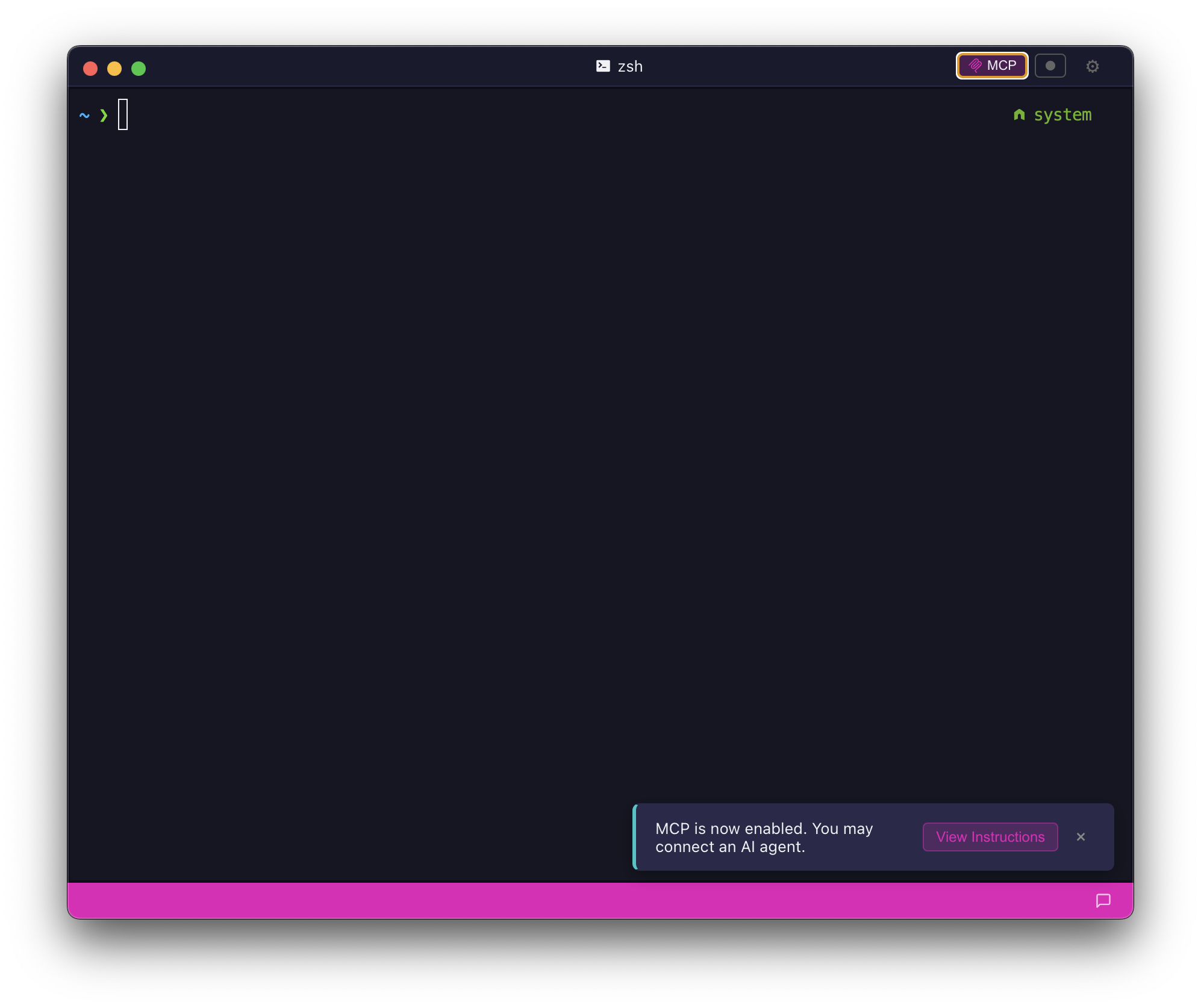
A smart terminal that brings clarity and speed to your workflow.
brew install --cask elleryfamilia/brosh/brosh
A smart terminal that brings clarity and speed to your workflow.
brew install --cask elleryfamilia/brosh/brosh
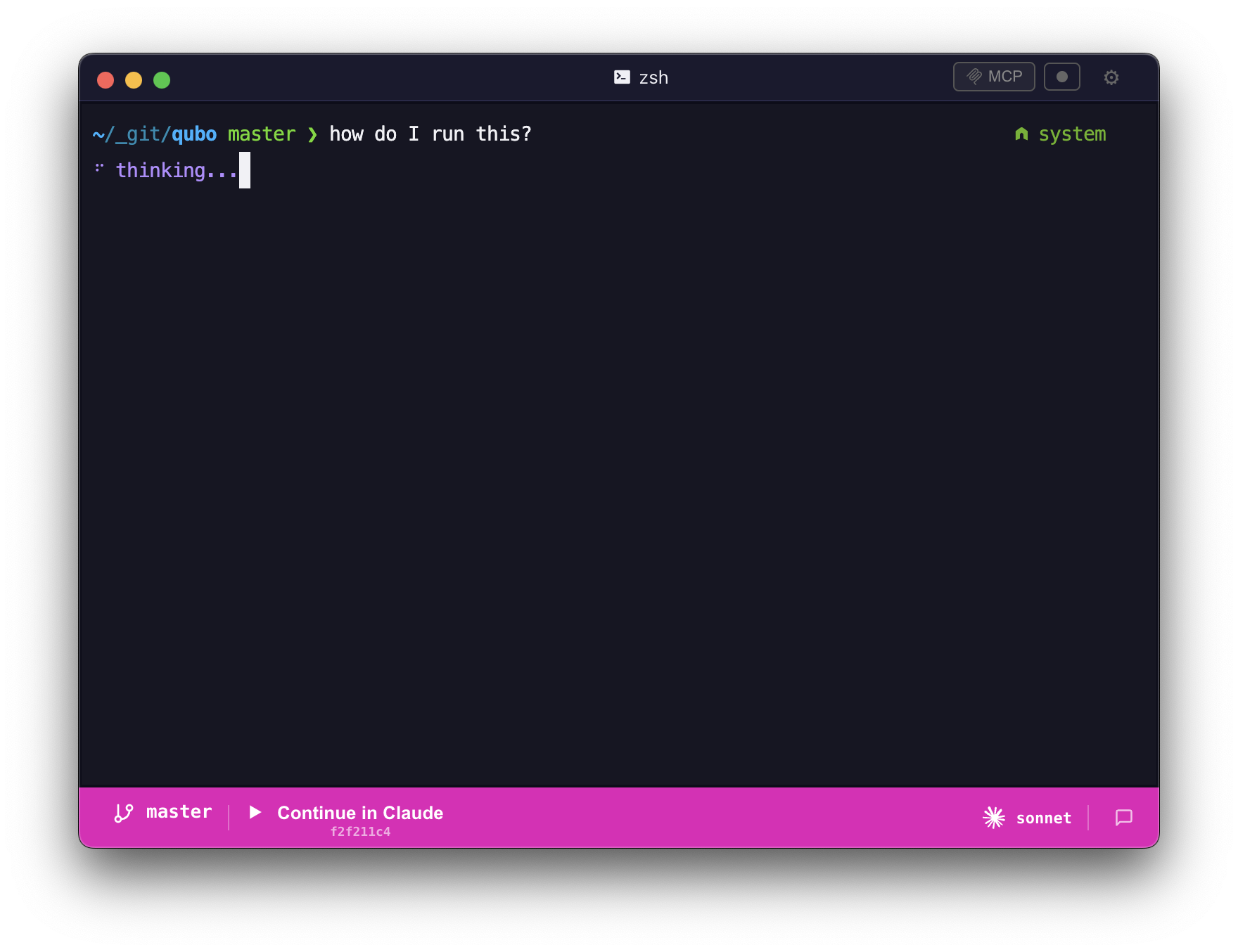
brosh detects natural language input and routes it to your AI model — no prefix needed. Zero-config MCP server connects Claude Code to your terminal automatically. Switch between models, continue conversations in Claude, and let AI work alongside your shell.
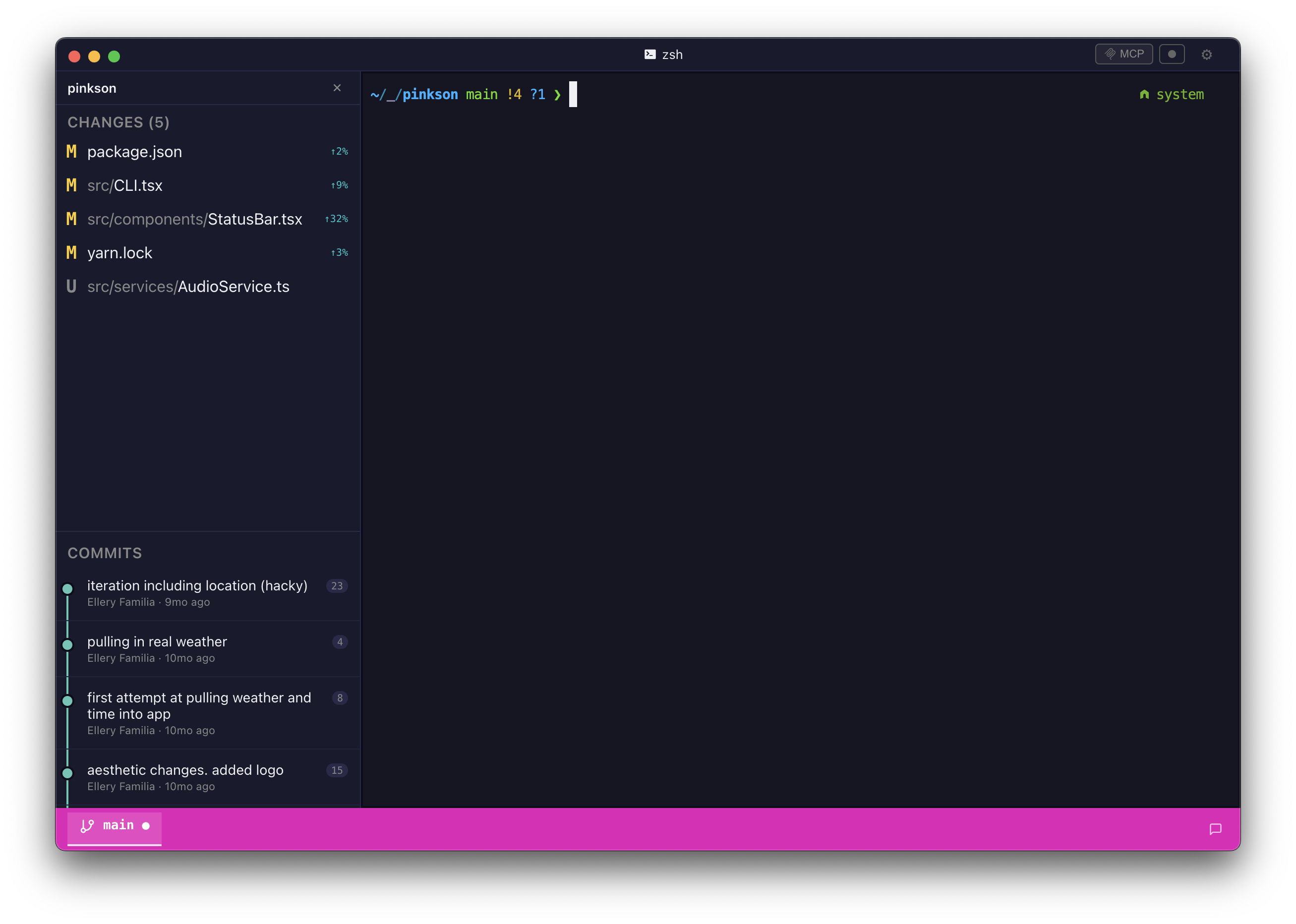
Built-in Git sidebar shows your repository status, branch graph, and staged changes at a glance. Monaco-powered diff viewer lets you review changes without leaving the terminal. Record and replay terminal sessions for debugging or sharing.
Choose from 9 built-in themes and 25+ developer fonts. Split your workspace into panes and tabs. Adjust opacity, font size, and cursor style. Make the terminal yours.
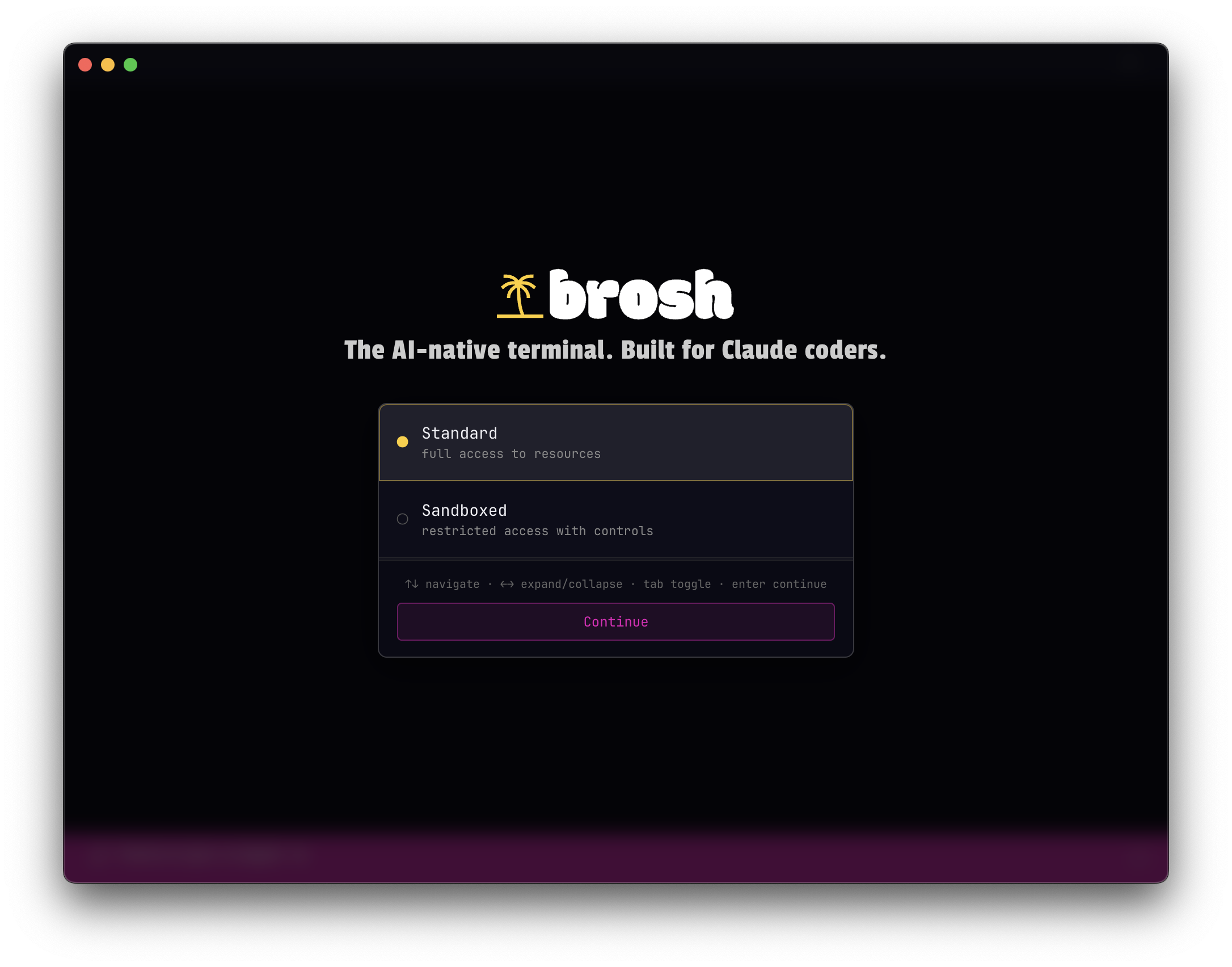
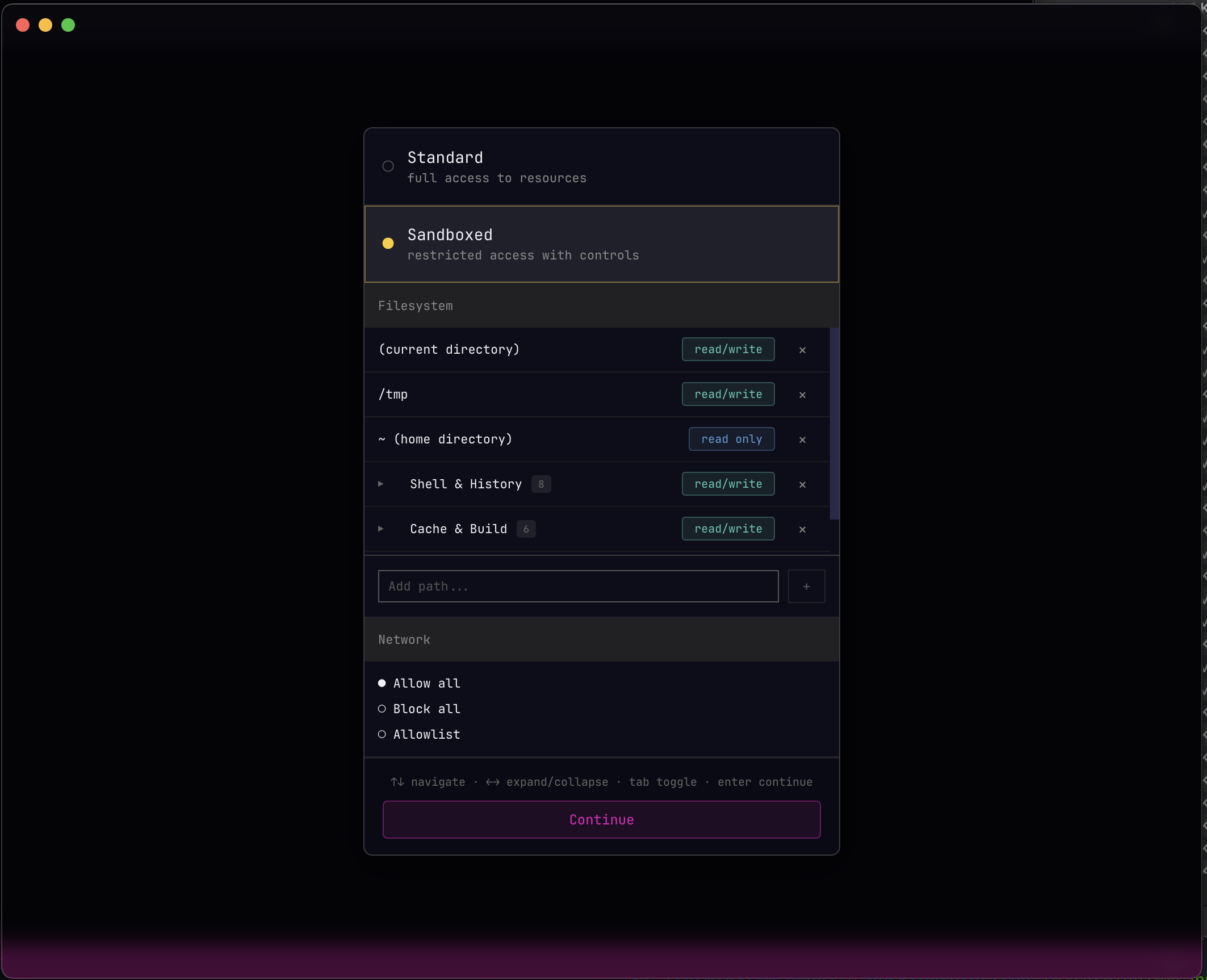
Sandbox mode restricts AI agent access to only the directories you allow. On macOS, brosh uses Seatbelt profiles; on Linux, bubblewrap. Per-path permissions give you full control over what AI can read and write.
Add to your Claude Code MCP settings and start working.
{
  "mcpServers": {
    "brosh": {
      "command": "npx",
      "args": ["-y", "brosh"]
    }
  }
}brew install --cask brosh
curl -fsSL https://bro.sh/install.sh | sudo bash
yay -S brosh-desktop-bin